Home Free File Lock Version Compatibility
Free File Lock Version Compatibility
The new EXE permissions lock and the historical file-encryption product use different protection formats.
Download Free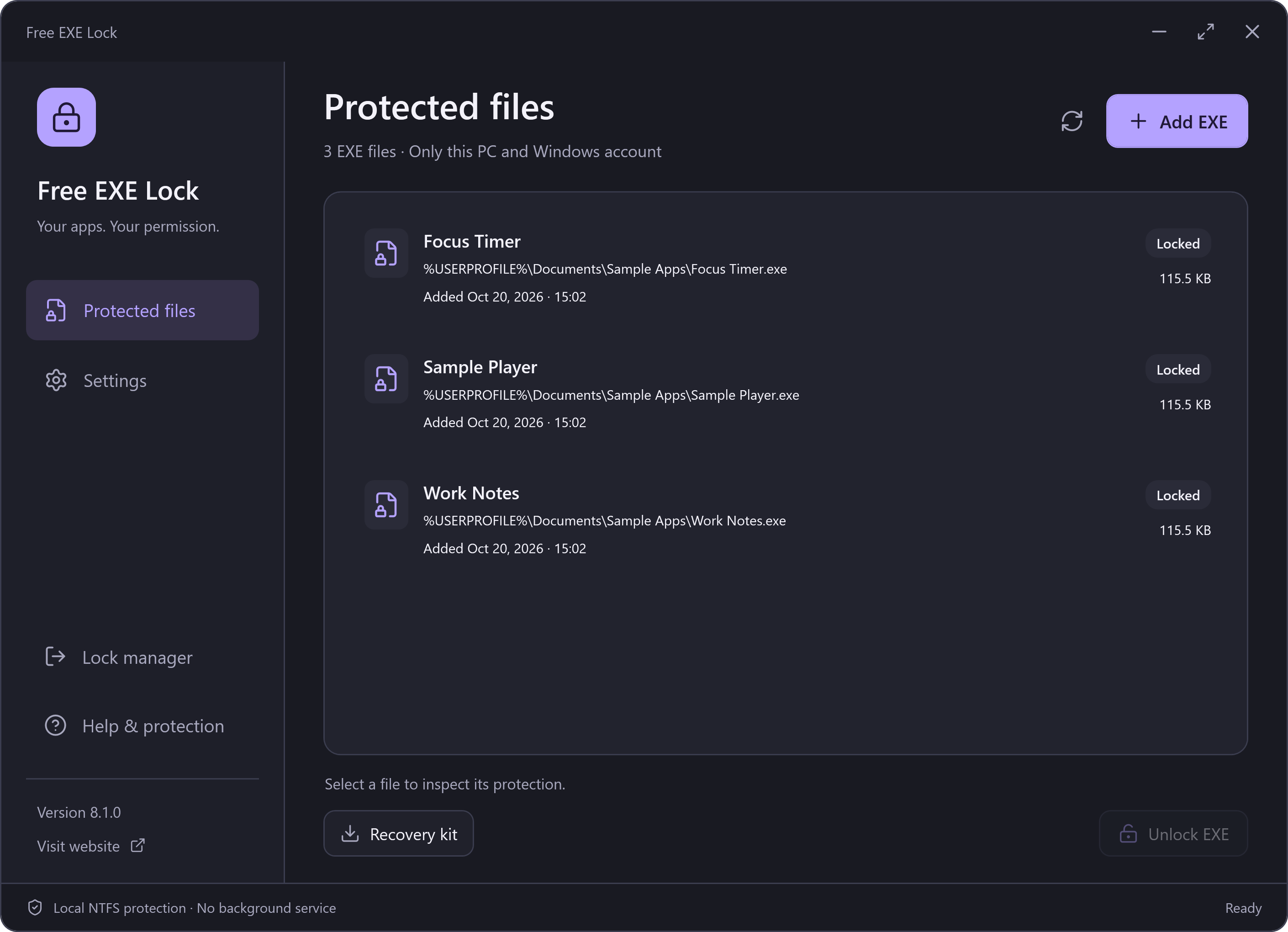
Version 8.1.0: Original-EXE Permissions
The current release is Free EXE Lock. It changes local NTFS access permissions for the current Windows account and keeps the selected EXE contents intact. Its recovery kits contain encrypted permission records. They are not the general-file encryption format used by older Free File Lock releases.
Already Have Files Encrypted by an Older Version?
Keep the exact legacy software and password used to protect those files. Version 8.1.0 cannot decrypt or convert that historical format, and installing the new manager is not a recovery method for old encrypted documents.
The historical downloads remain at their original addresses for compatibility:
These are retained historical tools, not the new 8.1.0 installer. Their original bytes are preserved; they are not replaced by the new EXE lock. Use the instructions for the legacy version you already use.
Which Guide Should You Follow?
For a file locked using the new manager, read the EXE unlock guide. For an encrypted file from the old product, retain the old program, password and backups. Do not delete a working legacy recovery tool or overwrite your files while trying the new application.