Home Download Verification and Local Protection
Download Verification and Local Protection
Verify the file you download and understand what the application protects.
Download Free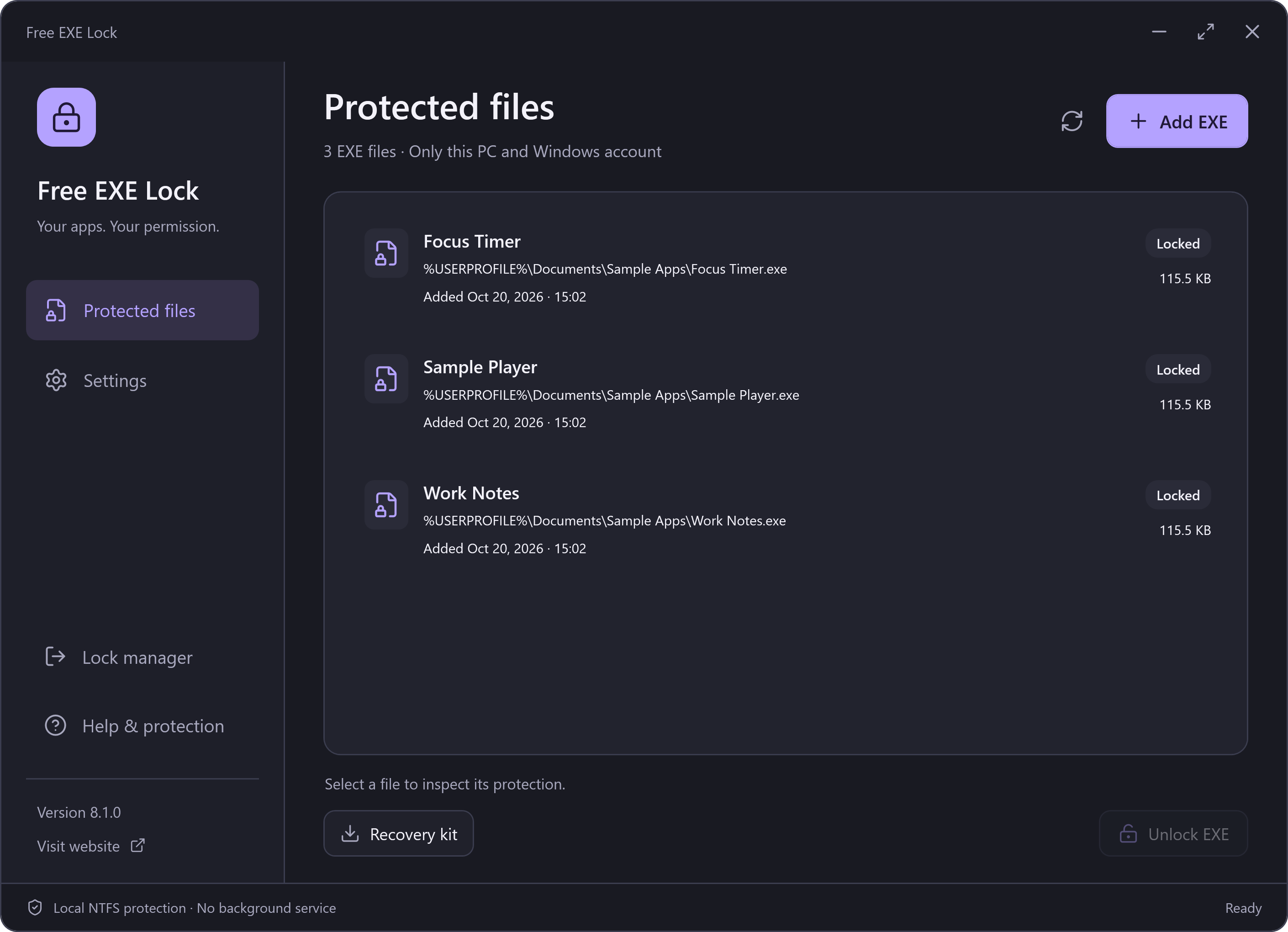
Verify the Download
The 8.1.0 release uses the publisher signature Beijing Qingruan Chuangxiang Technology Co., Ltd. Compare that publisher name in Windows with the file you downloaded; a signature is not a claim of endorsement by Microsoft or an antivirus service.
- Download the stable installer from this website.
- In Windows file Properties → Digital Signatures, inspect the signer and signature status.
- Run Get-FileHash on the downloaded file with SHA256 and compare it with the current checksum list.
- Read the installation choices, including any separate optional RelevantKnowledge invitation.
Encrypted Management Records
The local vault encrypts protected-file records with AES-256-GCM. Its key is derived from the management password using PBKDF2-HMAC-SHA256 with a random salt. A recovery kit is an encrypted snapshot and retains its export-time password. The EXE itself is not encrypted or wrapped.
Windows Enforces the File Lock
The tool records original permissions and tracks file identity before applying the lock. Restore verifies the identity and expected permissions, retaining recovery records when another program has changed them. The app performs its file work locally and does not require a continuously running service.
This lock applies to one selected file and the current Windows account on this PC. It does not control other copies, other accounts or an administrator, and it does not encrypt the program or its private data.
About Antivirus and SmartScreen
A digital signature identifies a publisher and helps detect changes to signed bytes. It is not a promise that every antivirus or reputation service will allow a file. If your security product reports an issue, inspect the file and its source rather than disabling protection. No permanent “undetectable” or “zero false positives” guarantee is made.