Home Free EXE Lock Screenshots: Dark and Light
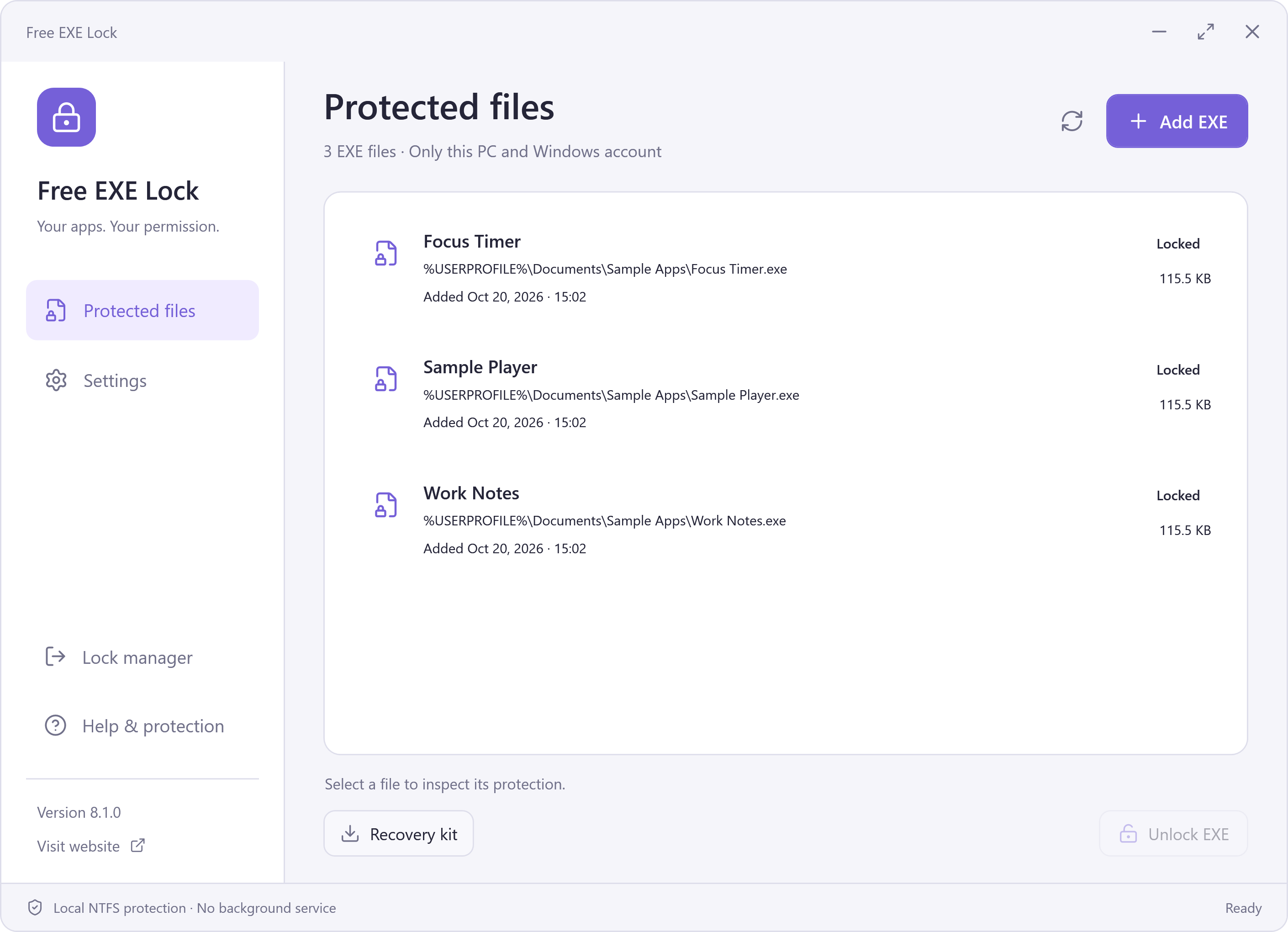
Free EXE Lock Screenshots: Dark and Light
See the real interface before installing. Click a screenshot to inspect the original PNG.
Download Free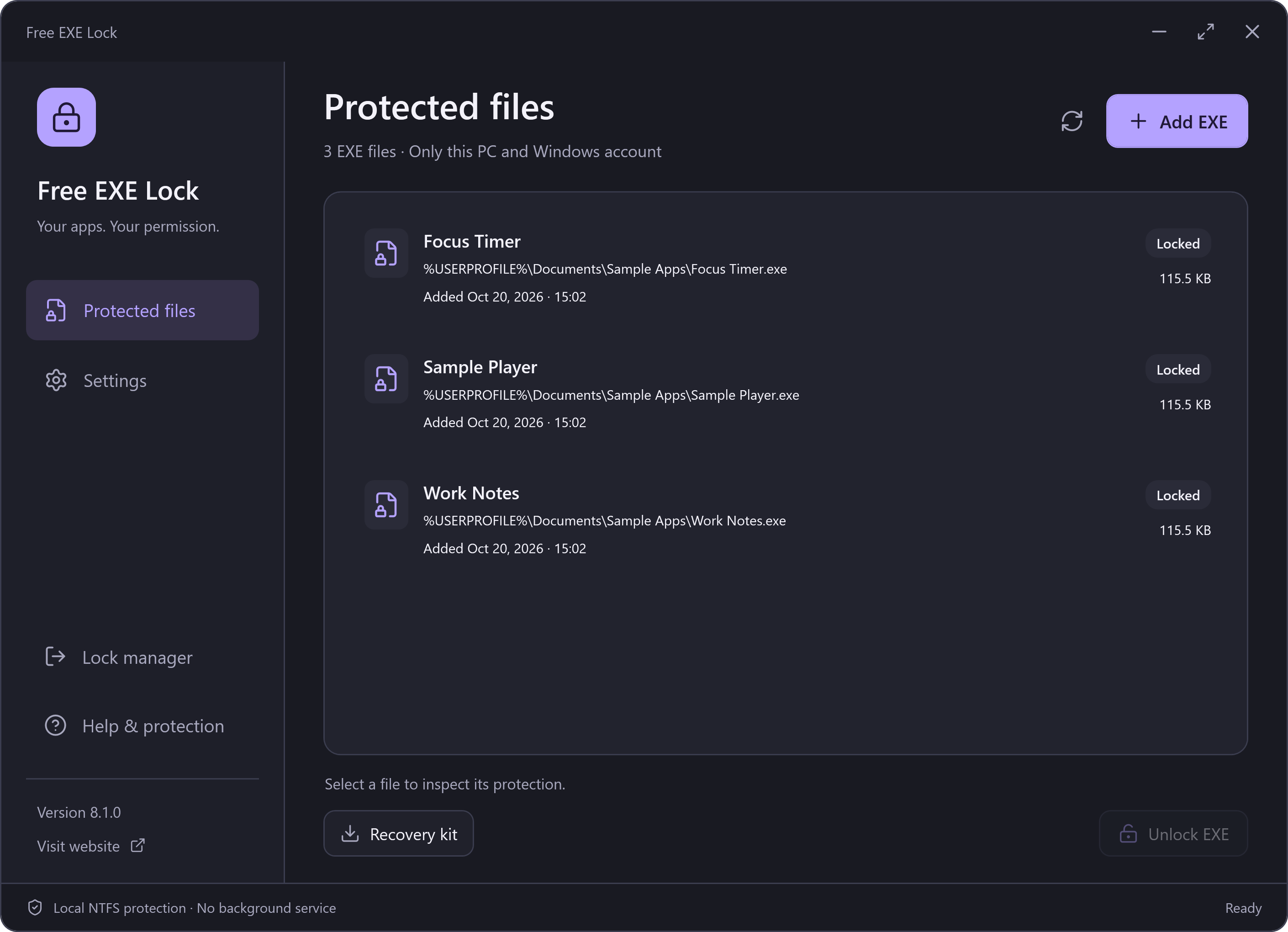
Dark Theme
Light Theme
Inspect the Original
Each screenshot link opens a full-screen viewer. Use 100% to inspect pixels at their original size, Fit to return to the screen-sized view, or Download to save the original PNG. Escape closes the viewer and returns keyboard focus to the screenshot link. With JavaScript disabled, the links still open the PNG directly.
These are native 2820 × 2040 PNG renders of the actual 8.1.0 app window from the final signed application. The example EXE filenames are synthetic files that were genuinely locked for the test. The PNGs are not enlarged JPEGs or redrawn interface mockups.