Home Recover in a Separate Data Directory
Recover in a Separate Data Directory
Work on a copy of the recovery kit and preserve all newer records.
Download Free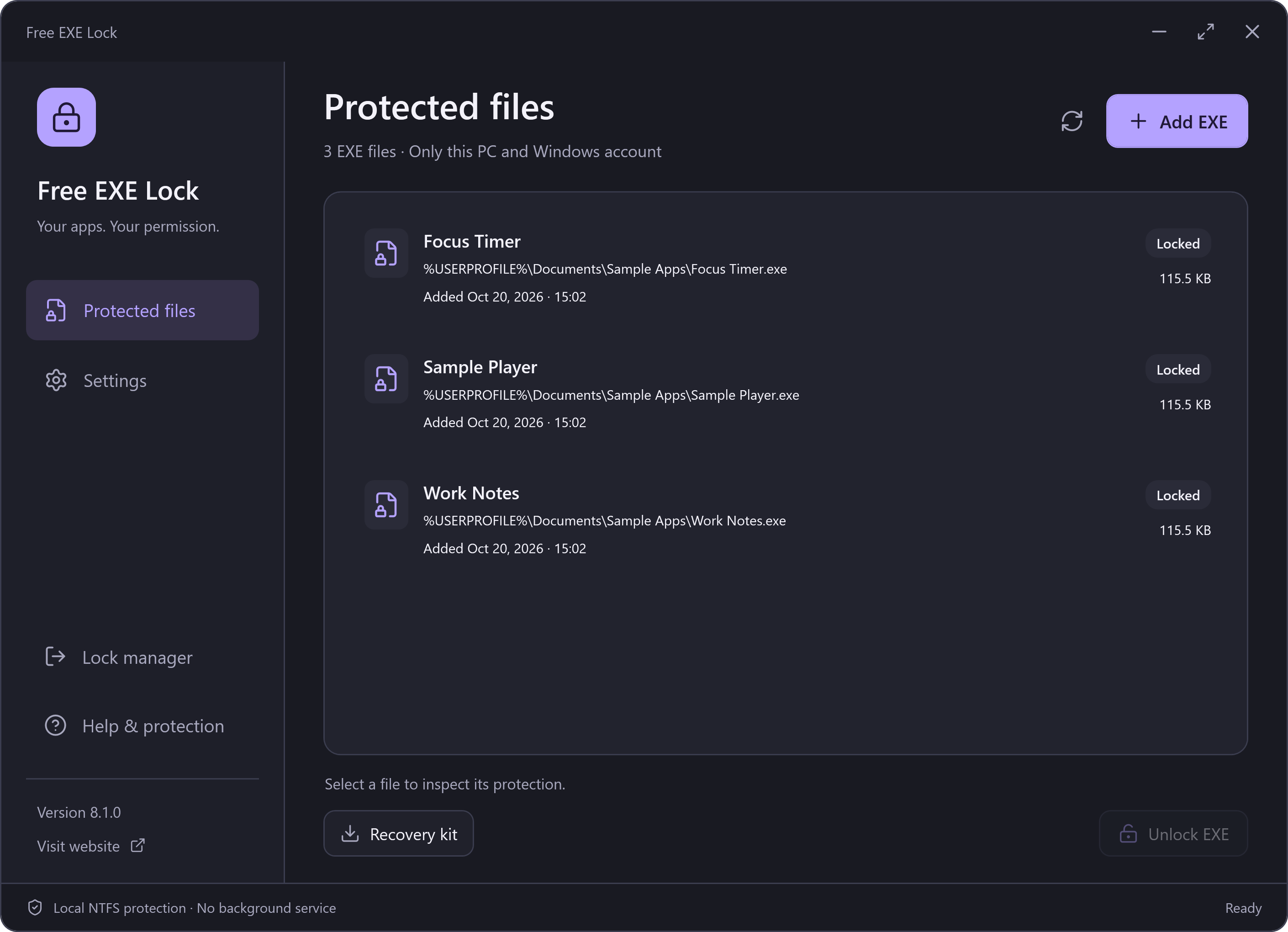
Before You Start
A recovery kit is an encrypted snapshot of the protection records. It still needs the password used when that kit was exported. An old kit does not contain later entries; do not overwrite a newer vault with an older snapshot.
The backup and current profile are tied to the Windows account and original file identities. Keep the original kit unchanged. These steps do not remove the need for its export-time password.
Open an Isolated Recovery Copy
- Close all manager windows using the profile you need to preserve. Keep its vault intact.
- Create a separate local folder dedicated to recovery. Copy the required kit into it and name the copy protected-executables.vault.
- Start the installed manager with --data-dir followed by the full path of that separate folder.
- Enter the password that was current when the kit was exported. Review the listed files and restore them individually. If needed, locate the same original file.
For example, after replacing the executable path and folder with your own locations:
"C:\Path\To\FreeExeLock.exe" --data-dir "C:\YourRecoveryFolder"Keep the Recovery Profile Available
A successfully opened --data-dir profile is registered in the local directory catalogue for safe uninstall. Keep this recovery folder and protected-executables.vault after restoring its entries, until uninstall has verified its password and zero remaining records. Removing the directory does not automatically remove its catalogue entry and can block safe uninstall.
Do Not Merge by Overwriting
A snapshot is not an automatic merge of protection records. Replacing your newer vault with an old kit can lose records for files that remain locked. Retain every necessary vault and password until all relevant file permissions have been restored.