Home NTFS Protection: What This EXE Lock Covers
NTFS Protection: What This EXE Lock Covers
A specific file lock is useful when its boundaries are clear.
Download Free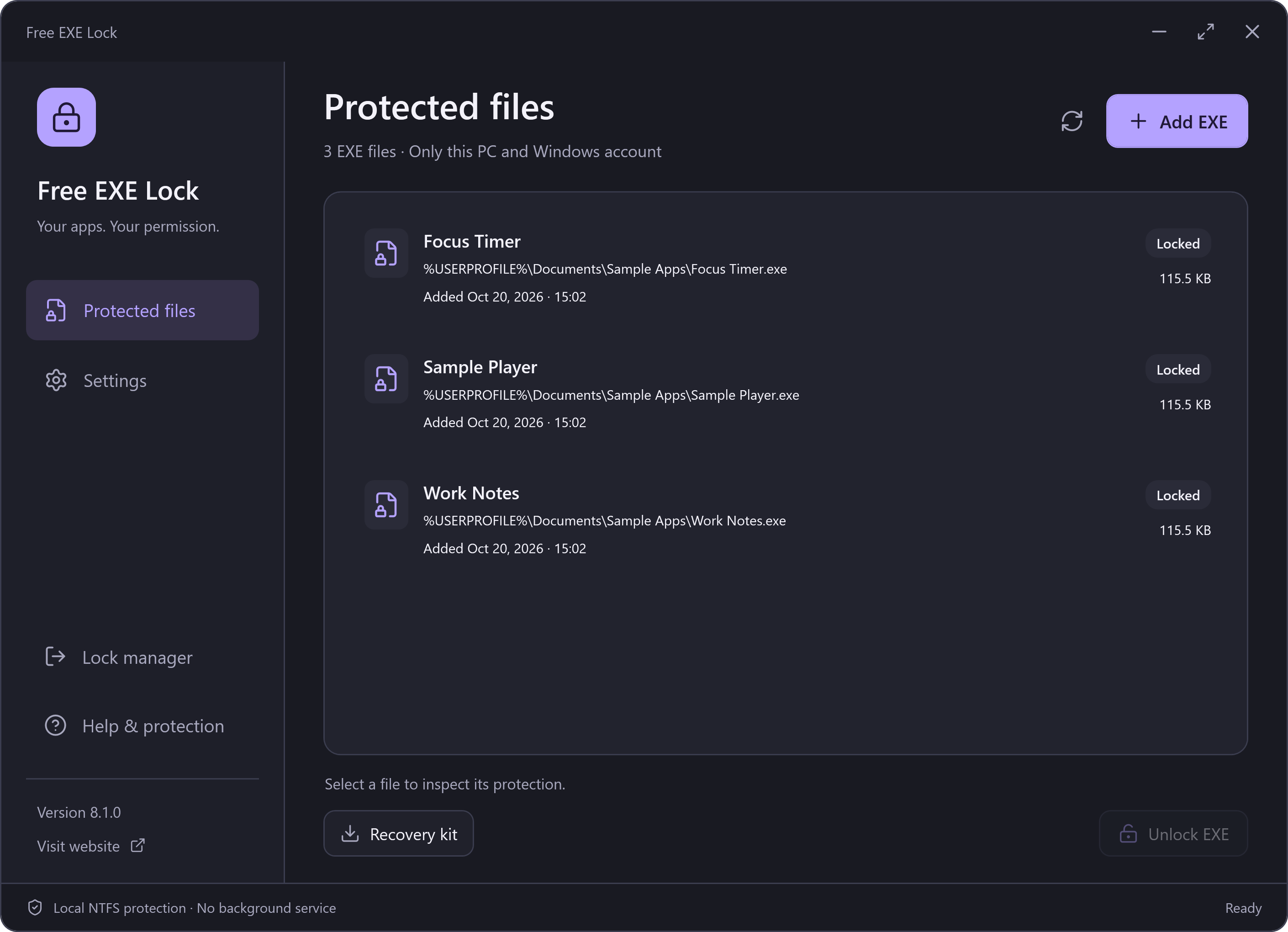
The Selected File, on This PC
This lock applies to one selected file and the current Windows account on this PC. It does not control other copies, other accounts or an administrator, and it does not encrypt the program or its private data.
The tool does not search for every copy of an app or block its name system-wide. A different installation, portable copy or copied executable is a separate file.
Administrators and Other Accounts
A local administrator can take ownership or change file permissions. Another Windows account is not automatically covered by a lock created for your account. Use Windows accounts and operating-system security appropriate to the people sharing the PC.
Programs and Data Are Different
An EXE lock does not encrypt documents, browser profiles, saved credentials or other app data. If another program can read those files, locking an EXE does not change that. Use suitable data encryption when confidentiality of file contents is your goal.
Safety Checks and Unsupported Targets
The app rejects unsafe or unsuitable targets, including Windows/system and security programs, its own installation/recovery data, network paths, reparse points and hard-linked files. It also refuses permissions it cannot safely track. A refusal is a reason to choose an appropriate target, not to disable those checks.