Home Why a Locked EXE Says “Access Denied”
Why a Locked EXE Says “Access Denied”
The Windows error is expected while a file is locked for your account.
Download Free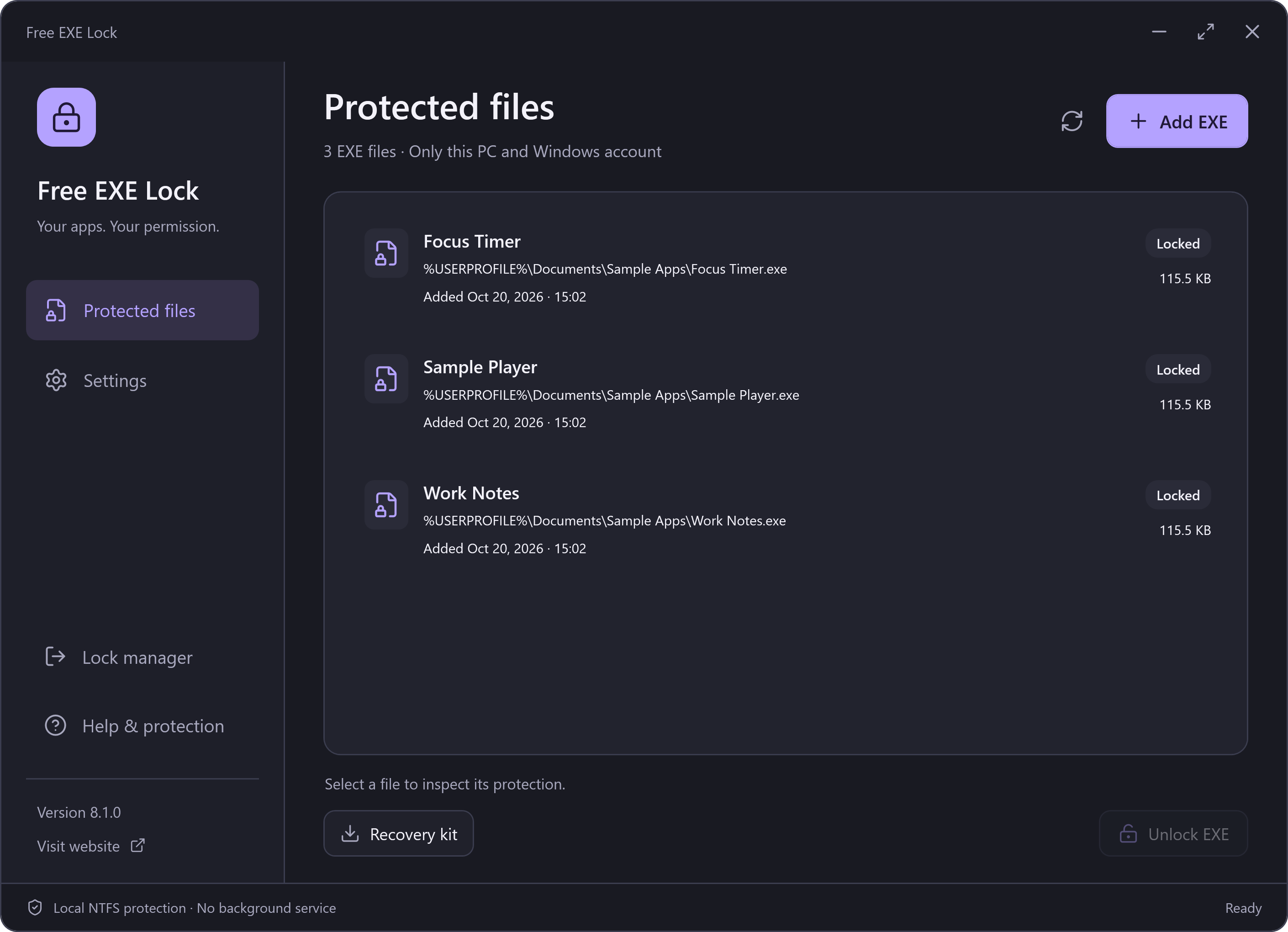
The File Is Blocked Before Normal Launch
Free EXE Lock adds a permissions restriction on the selected NTFS file. Windows refuses this account access to read, copy or execute it. It does not substitute a launcher or wait for the target process to run before closing it.
Where to Enter the Password
Open Free EXE Lock, log into the manager, select the entry and choose Unlock EXE. Enter the management password again and wait for confirmation. Open the application yourself after access is restored.
When the Error Needs Investigation
If an entry no longer reports Locked, refresh its status and check the path. A missing file, a replaced EXE or external permission changes require different handling. The manager keeps recovery records rather than applying old permissions to a different file. Do not assume every Windows access error came from this app.