Home Download Free EXE Lock 8.1.0
Download Free EXE Lock 8.1.0
The free application locks selected EXE files locally, with one password to restore access.
Download Free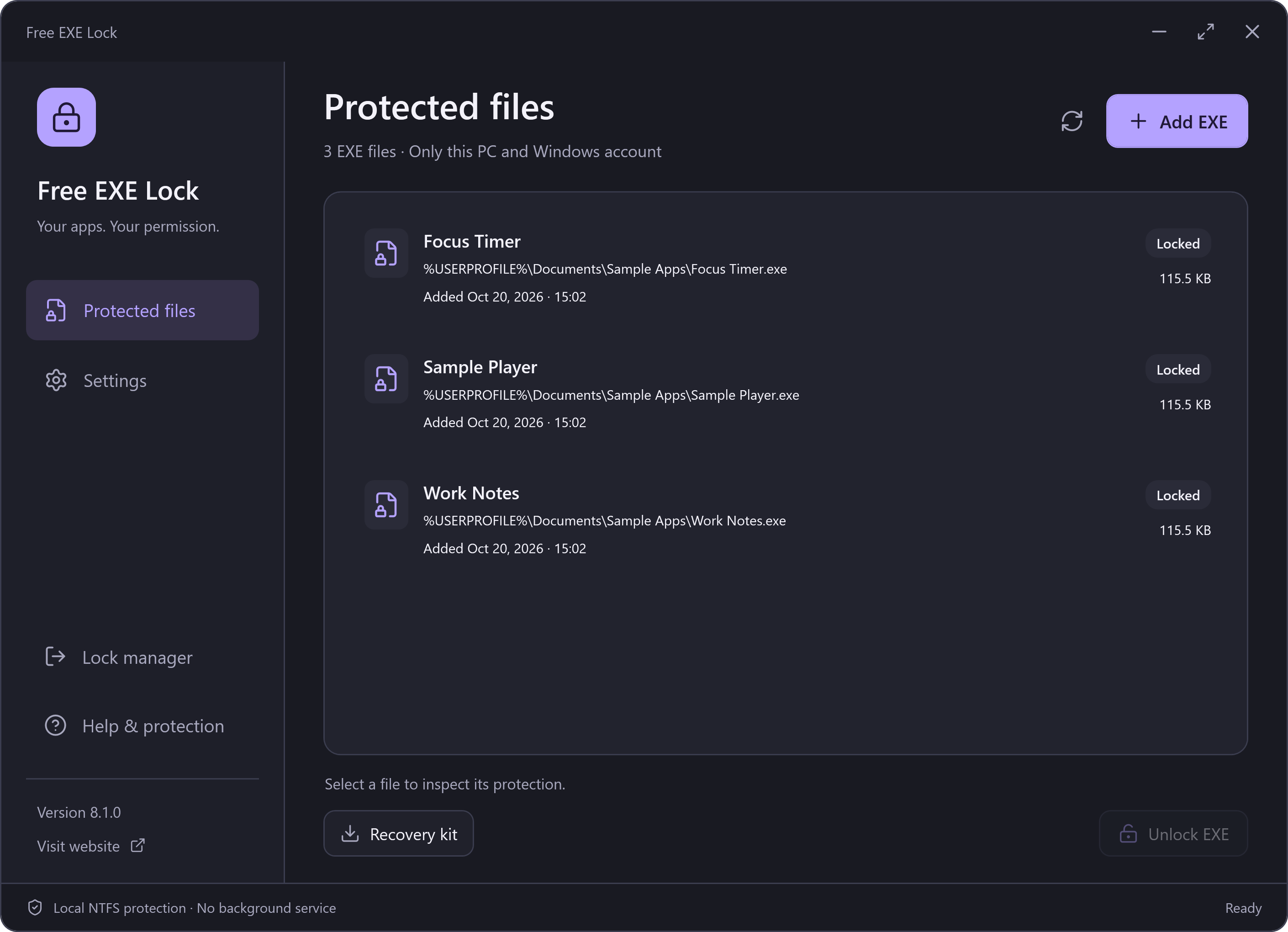
Your Windows Download
Version: 8.1.0
Platform: Windows 10 / 11, x64
File system: local NTFS
Setup size: 47.99 MB (50,322,200 bytes)
SHA-256 checksums · Verify your download · Release notes
Before You Lock an EXE
- Install and open Free EXE Lock. Create a management password of at least 8 characters.
- Close the app you want to protect. Choose Add EXE and select its local executable.
- Read and confirm the file-permissions explanation. Windows will deny this account access to that EXE until it is unlocked.
- Export a recovery kit and keep it with the password safely. Unlock protected EXEs before updating, moving or uninstalling.
What the Download Does
The app changes selected NTFS permissions instead of replacing, wrapping or encrypting your EXE. Locked files do not show a password box when double-clicked: unlock them in the manager. The manager does not launch the target for you.
This lock applies to one selected file and the current Windows account on this PC. It does not control other copies, other accounts or an administrator, and it does not encrypt the program or its private data.
Optional Setup Invitation
Setup may show an optional RelevantKnowledge research invitation. You can decline or skip it and still install the full free EXE-locking app. Accepting is not required for file protection.
RelevantKnowledge is separate research software from TMRG, a Comscore company. If you agree to participate, it can collect browsing and application activity in the background. Read the current invitation, privacy policy and agreement before deciding. The publisher may receive compensation if you join.
If accepted, remove RelevantKnowledge separately in Windows Settings → Apps. Removing Free EXE Lock does not by itself remove the research software. Silent setup skips the invitation; it does not silently opt you in.